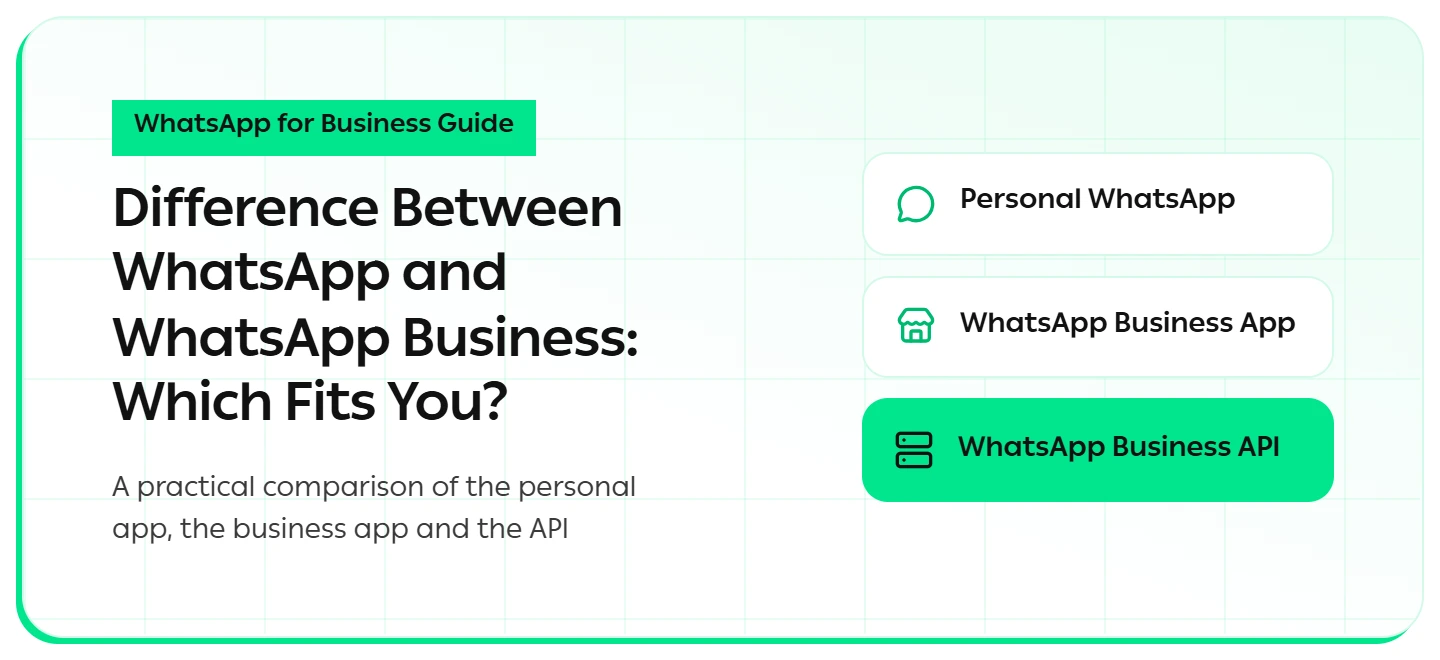
You open a small store and start answering customers from your personal number. Knowing the difference between WhatsApp and WhatsApp Business saves you from a costly wrong turn, and this guide compares all three options.
What Is the Difference Between WhatsApp and WhatsApp Business?
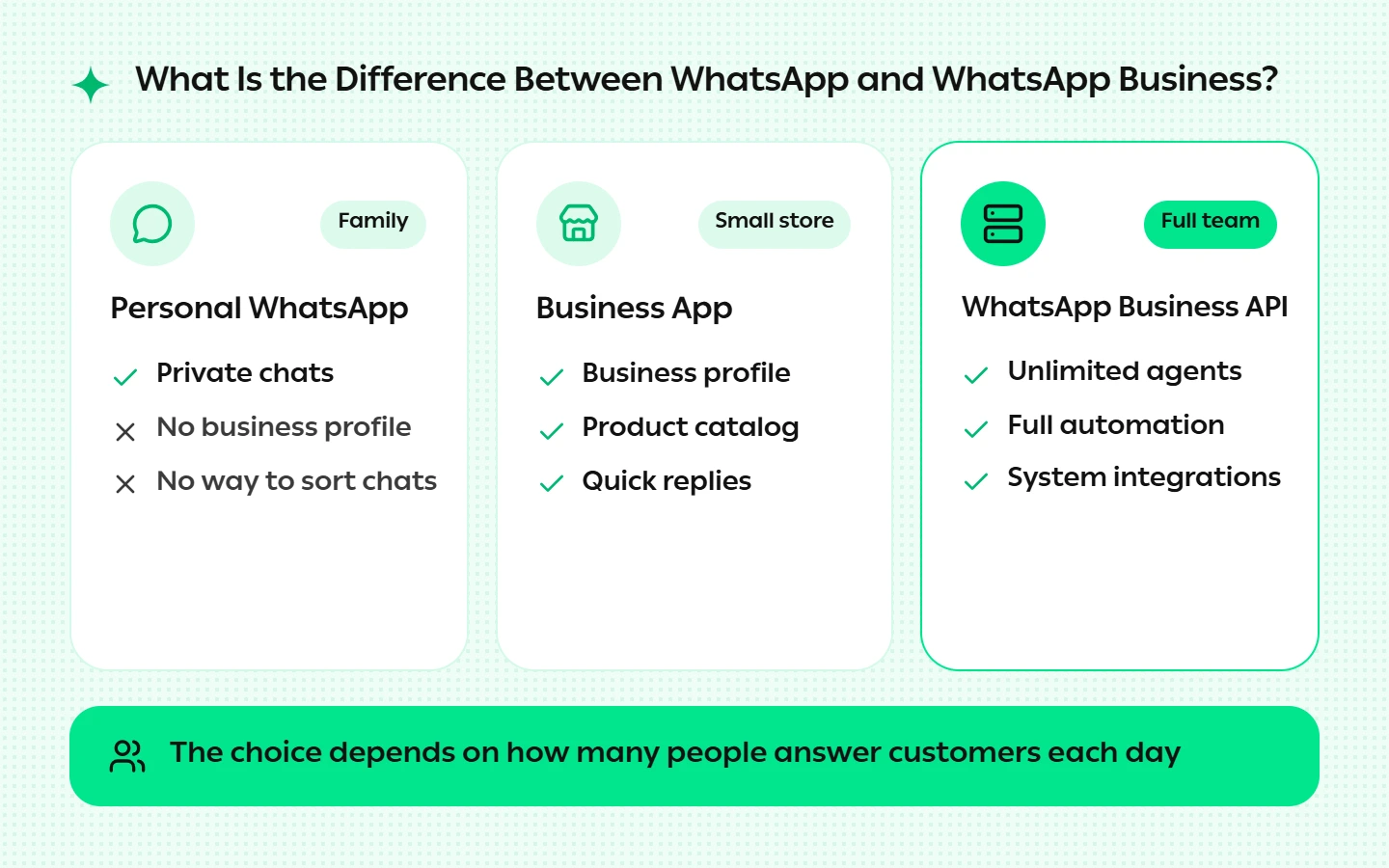
The difference between WhatsApp and WhatsApp Business is that the first is built for personal chats, while the second is a free app for small businesses that adds a business profile, a product catalog and quick replies. The WhatsApp Business API is a third product built for teams and automation.
The right choice depends on how many people answer customers each day.
Three Products, Not Two
Most people compare the two apps and overlook the third product that growing businesses need most. The difference between WhatsApp and WhatsApp Business is about tools, while the API is about scale: it removes the limits on users, automation and integrations that both apps share. Each one has a clear role:
1. Personal WhatsApp
A free app for friends and family. It offers no business profile, no catalog and no way to sort chats, so selling from it mixes orders with everyday messages. A question a customer sends at night can sink under family group chats by morning, and your name appears with no opening hours or address to build trust.
2. WhatsApp Business App
A free app built for WhatsApp for business use in small stores. Its main tools include:
- Business profile: address, opening hours and website.
- Product catalog: products with photos and prices inside the chat.
- Quick replies: saved answers you call up by typing a forward slash.
- Greeting and away messages: one fixed auto-reply for first contact or after hours.
- Labels: sorting chats by customer or order status.
The app runs on one phone plus up to four linked devices. Broadcast lists reach up to 256 contacts each, and only people who saved your number receive them.
3. WhatsApp Business API
A platform with no official app, accessed through a Meta-approved provider. It allows unlimited agents on a single number and sends approved message templates to customers who opted in. Meta requires business verification before some full features open up.
A Quick Comparison in Five Points
Here is the difference between WhatsApp and WhatsApp Business, alongside the API, in five points:
- Cost: both apps are free; the API charges per message by category.
- Users: one phone plus linked devices in the app; unlimited agents on the API.
- Automation: a fixed greeting in the app; full flows with a chatbot on the API.
- Bulk messaging: 256 contacts per list in the app; wider reach with approved templates on the API.
- Integrations: none in the app; full connections to stores and CRMs on the API.
How Much Does the WhatsApp Business API Cost?
.webp)
Since July 2025, Meta has charged per message instead of per conversation, according to the WhatsApp Business Platform pricing page. Each message is priced by category (marketing, utility or authentication) and by the recipient’s country.
When a customer messages you, a 24-hour customer service window opens and your replies inside it are free.
When Should Your Business Move to the API?
The free app works at the start, but these signs mean you have outgrown it:
- More than two people answer the same number at once.
- You need order updates or reminders sent automatically.
- You want to run ai automation for marketing for customers who agreed to receive messages.
At that stage, an api for whatsapp business is the natural next step, because it turns one person’s phone into a channel run by a team and a system together.
How Do You Switch Without Losing Customers?
You can move the same number from the app to the API, so customers never need to save a new one. As a certified Meta partner, Hulul offers whatsapp ai integration that understands Modern Standard Arabic and 12 local dialects.
Conclusion
The difference between WhatsApp and WhatsApp Business comes down to your size: personal WhatsApp for family, the business app for a store run by one or two people, and the API for a team that needs automation. Hulul is trusted by more than 40,000 brands and institutions across the Middle East.
FAQs About the Difference Between WhatsApp and WhatsApp Business
What is the difference between WhatsApp and WhatsApp Business in daily use?
The difference in daily use is that the business app adds a business profile, catalog, quick replies and greeting messages, while the personal app is for private chats only. If you serve customers, the business app keeps their conversations separate from your personal life and keeps orders organized.
Can I use WhatsApp Business and the personal app on one phone?
Yes, as long as each app has a different number. A single number works on only one app at a time, so it is best to give your business its own number from the start rather than changing it later.
Is the WhatsApp Business app completely free?
The app is free to download and use, with no charge on messages. Costs begin only when you move to the WhatsApp Business API, where marketing, service and authentication messages are billed by category and recipient country, while replies within the 24-hour window stay free.
When is personal WhatsApp no longer enough for my business?
It stops being enough once customers become a steady part of your daily messages, since it offers no catalog, no automated replies and no way to organize conversations. Mixing orders with private chats also raises the chance of a missed reply or lost order — costing direct sales.
How do I start automating WhatsApp for my business?
Connect your number to a Meta-approved platform, turn on automated replies for the most common questions, then add reminders and order updates gradually. You can try Hulul free for 14 days with no credit card and switch on your first automated reply quickly.