Losing customers every night because your support team is asleep? Learning how to build a chatbot gives you a 24/7 agent that answers instantly, qualifies leads, and books meetings while you rest. This guide walks you through every step — from idea to launch — even if you've never written a line of code.
What Is a Chatbot and How Does It Work?
A chatbot works in three core stages: it receives the user's message, analyzes it using natural language processing to detect intent and entities, then generates a smart reply through a trained AI conversation model or predefined rules, and finally sends the response back through API integration in under a second.
A chatbot is an AI-powered system that simulates human conversation across text or voice channels. It relies on natural language processing to extract user intent and produce a relevant, context-aware response.
Businesses use chatbots today to handle customer support, automate bookings, qualify leads, and improve user experience around the clock — all without constant human supervision.

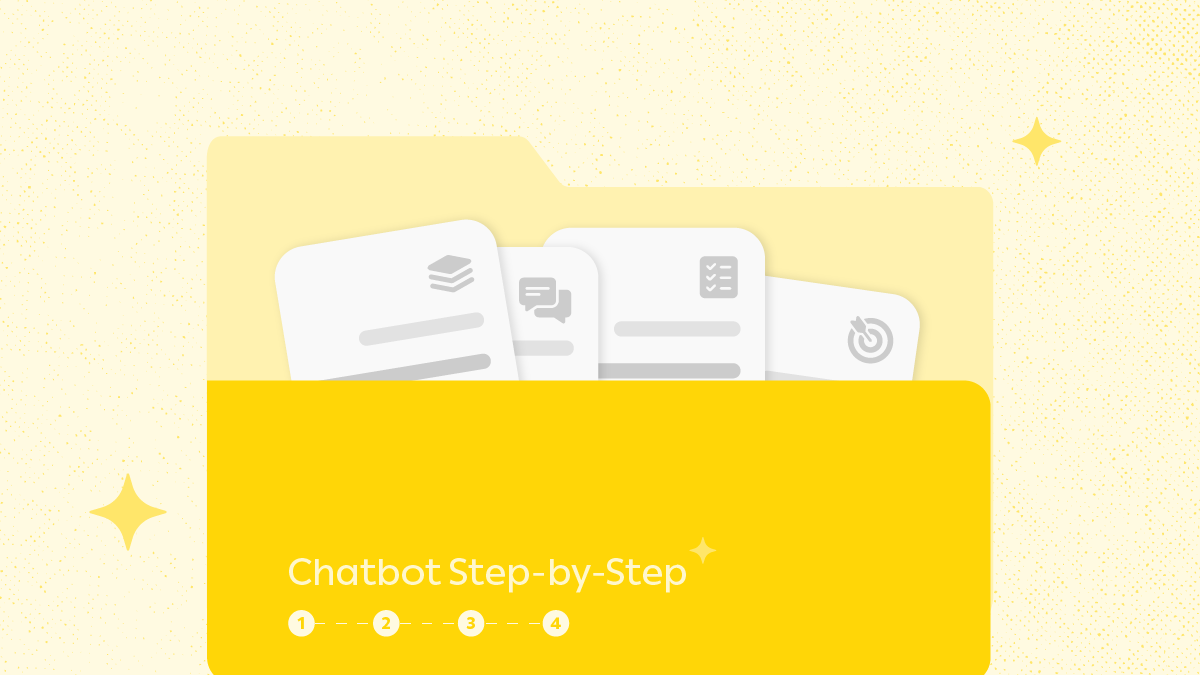
The 4 Stages: How to build a Chatbot
Successful chatbot development follows four sequential stages — each one builds on the previous and directly impacts the final product's quality.
Step 1: Define Your Goal and Audience
Before writing a single line of code or designing any conversation model, answer three core questions: What real problem does this bot solve? Who is the target user, and what's their preferred language? And where will it run — WhatsApp, your website, or a mobile app? Clear answers here save you weeks of rebuilding later and produce a purpose-driven bot rather than a generic, unfocused one.
Step 2: Choose the Right Platform and Tools
Three main paths exist for chatbot programming. Choose based on your project scale and the technical expertise on your team:
- No-code: Visual builders like Hulul company — create a bot with zero coding.
- Low-code: Platforms like Dialogflow and Botpress for teams with mid-level technical skills.
- Full-code: Custom builds using API integration with Python or Node.js for complex enterprise solutions.
Step 3: Design the Conversation Flow
This is where you define your bot's personality and interaction logic. Map every likely scenario before touching the platform, starting with welcome and onboarding messages, moving through question-and-answer paths for core user intents, and ending with fallback responses for unrecognized inputs that prevent user frustration and steer the conversation back on track. Use tools like Miro or Lucidchart to visually design your flow before development, because a solid conversation model is the foundation of a smooth user experience.
Step 4: Train, Test, and Launch
With your design ready, AI training begins on real data. Feed diverse sample user questions into the system, define intents and entities precisely, then run internal testing with your team before going live. Continuous testing post-launch is what turns an average bot into a genuinely useful business tool, surfacing the gaps that never appeared inside a closed test environment.

Conclusion
Knowing how to build a chatbot is no longer reserved for developers — it's a clear, repeatable process any marketing or support team can execute. Start with a defined goal, pick a build conversational AI platform that fits your team, then train and refine your bot continuously based on real user data.

FAQs About How to build a Chatbot
1. How do I build a chatbot with no coding experience?
Use a no-code platform like Hulul, which lets you build a fully functional bot through a visual interface, train it on your business data, and connect it to WhatsApp or your website without writing a single line of code.
2. How long does it take to build a professional chatbot?
A simple bot can be built in a day to a week. Complex bots integrated with CRM systems or third-party APIs may take two weeks to two months depending on scope.
3. What's the difference between a rule-based and an AI chatbot?
Rule-based bots follow predefined paths and break outside them, while AI chatbots understand intent, learn from every conversation, and handle phrasings they weren't directly trained on.
4. Can I integrate a chatbot with WhatsApp?
Yes. Through the WhatsApp Business API, you can run a professional bot directly inside WhatsApp conversations, with interactive lists, buttons, and automated booking flows.
5. How much does it cost to build a chatbot?
Costs range from free (basic no-code platforms) to thousands of dollars for custom solutions, depending on complexity, data volume, and required integrations with your internal systems.